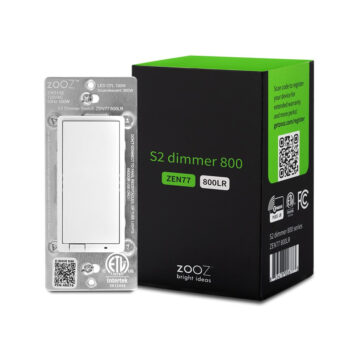
Zooz 800 Z-Wave Paddle Dimmer Switch
$35.00
Works with Home Assistant and supports Z-Wave long range for extended coverage.
Add smooth and responsive Z-Wave lighting control to your set-up quickly and affordably.
Enjoy intuitive control and bonus features with multi-tap triggers and scene control.
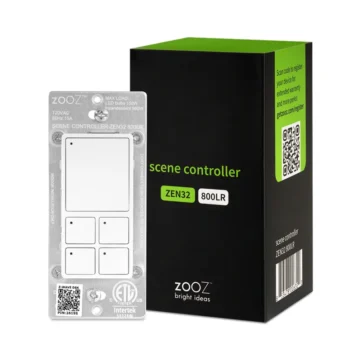
Zooz 800 Z-Wave Scene Controller Switch
$36.95
Scene control allows you to activate up to 35 scenes, and control up to 35 devices.
With smart bulb mode you can disable the relay and control your smart bulbs with a click.
Change the brightness and color of the LED indicators on demand.
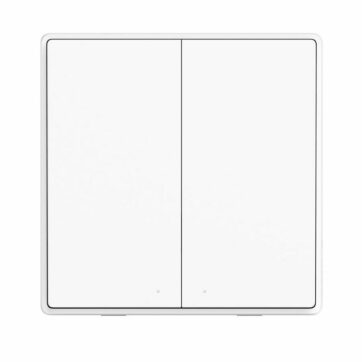
Aqara Dual Wireless Switch
$17.50
Zigbee Remote Control
Premium look, looks great on a side table in a living area
Use as an input to automations to control lights, TVs, music, and more
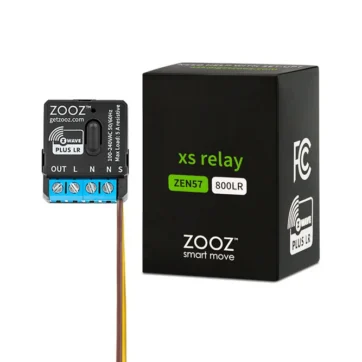
Zooz 800 XS Relay
$23.99
This relay supports 100-240 VAC, 50/60 Hz installations, making it perfect for lights
Its ultra compact design is designed to fit where others can’t
Hide the XS Relay behind a simple “dumb” switch in the style and color you prefer
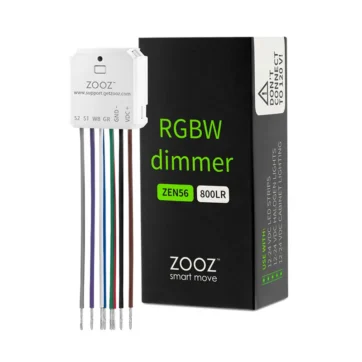
Zooz 800 RGBW Dimmer
$26.49
Control 12-24 V RGBW LED strips via Z-Wave
Enjoy smooth dimming and transition effects
Connect it to a momentary wall switch for multi-tap triggers
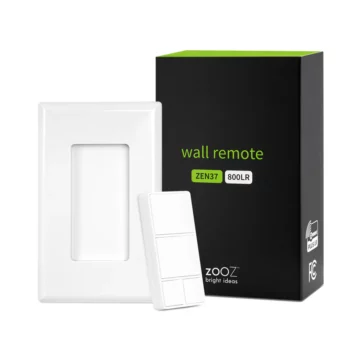
Zooz 800 Z-Wave Wall Remote
$31.95
Activate scenes and connected devices with a single click.
Program the 4 smart buttons with up to 6 different actions each
Fits a standard switch box, can also be attached to a wall
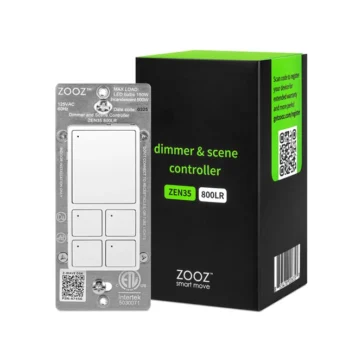
Zooz 800 Z-Wave Dimmer & Scene Controller
$49.95
Scene control allows you to activate up to 35 scenes, and control up to 35 devices with smart tap.
With smart bulb mode you can disable the relay for truly wireless control.
The built-in dimmer provides smooth brightness control for your lights from the main button and via Z-Wave.
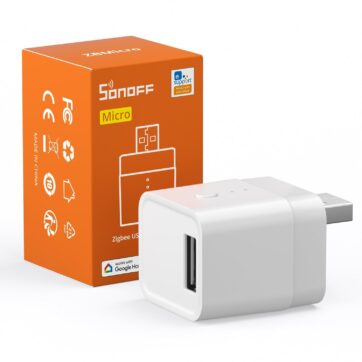
SONOFF Micro Zigbee USB Smart Adapter
$16.00
Enable smart control on your USB powered devices to create automations, schedules, and more.
This device also functions as a Zigbee router, allowing you to extend your Zigbee network’s range.