
Caleb Pryor
– verified owner
, April 21, 2022
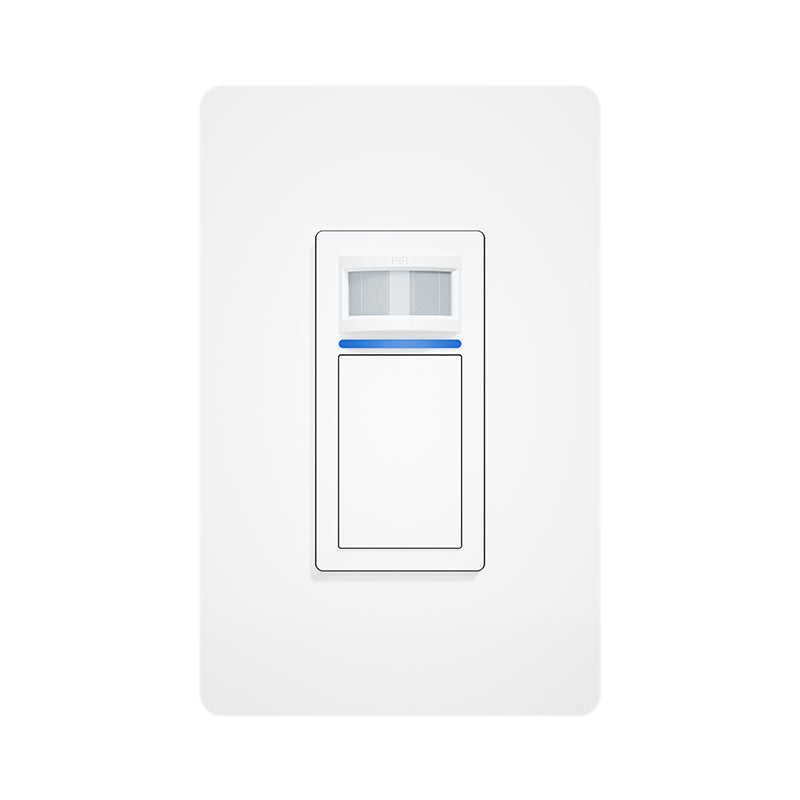
CloudFree Motion Light Switch
Brand: Cloudfree
Fast, free shipping*
US-Based Support
Easy Returns
CloudFree Motion Light Switch
Sale price$16.50
Description
Device Configuration
If your switch is activating itself, you may need to run the following commands to decouple the sensors from the relay.
SwitchMode1 2

SwitchMode2 1

SetOption114 1
Once the switch is communicating via MQTT and is in Home Assistant, you’ll want to rename the sensors, currently listed as Switch1 and Switch2. Rename Switch1 as “
Templates
{"NAME":"CloudFree SWM1","GPIO":<32,0,0,0,0,160,0,0,224,576,161,0,0,0>,"FLAG":0,"BASE":18}
Home Assistant Entities

Attributes
Dimensions:
5.5" L x
4.125" w x
2.875" h
Weight: 0.45 lb
Reviews
Matt
– verified owner
, April 28, 2022
Dre
– verified owner
, July 7, 2022
Myron
– verified owner
, March 12, 2023
Device Configuration
If your switch is activating itself, you may need to run the following commands to decouple the sensors from the relay.
SwitchMode1 2

SwitchMode2 1

SetOption114 1
Once the switch is communicating via MQTT and is in Home Assistant, you’ll want to rename the sensors, currently listed as Switch1 and Switch2. Rename Switch1 as “
Templates
{"NAME":"CloudFree SWM1","GPIO":<32,0,0,0,0,160,0,0,224,576,161,0,0,0>,"FLAG":0,"BASE":18}
Home Assistant Entities
Dimensions:
5.5" L x
4.125" w x
2.875" h
Weight: 0.45 lb
Caleb Pryor
– verified owner
, April 21, 2022
Matt
– verified owner
, April 28, 2022
Dre
– verified owner
, July 7, 2022
Myron
– verified owner
, March 12, 2023