
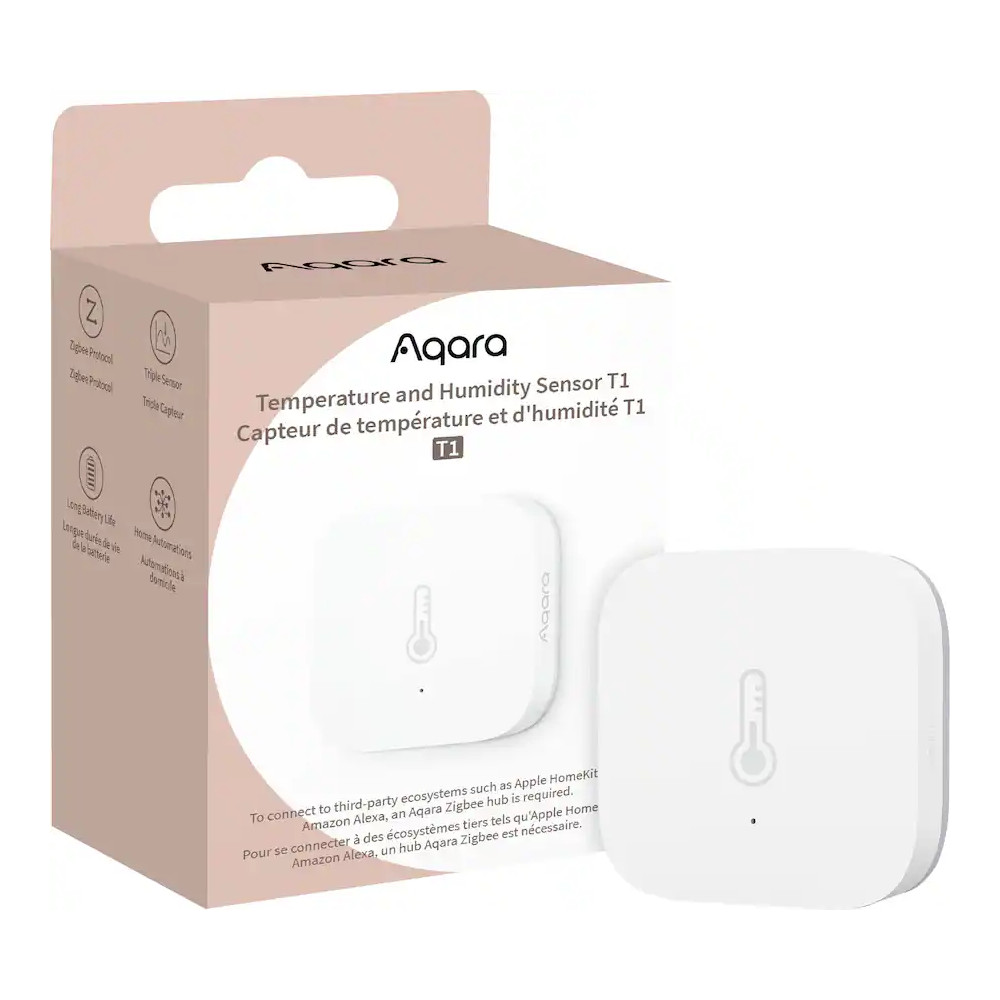
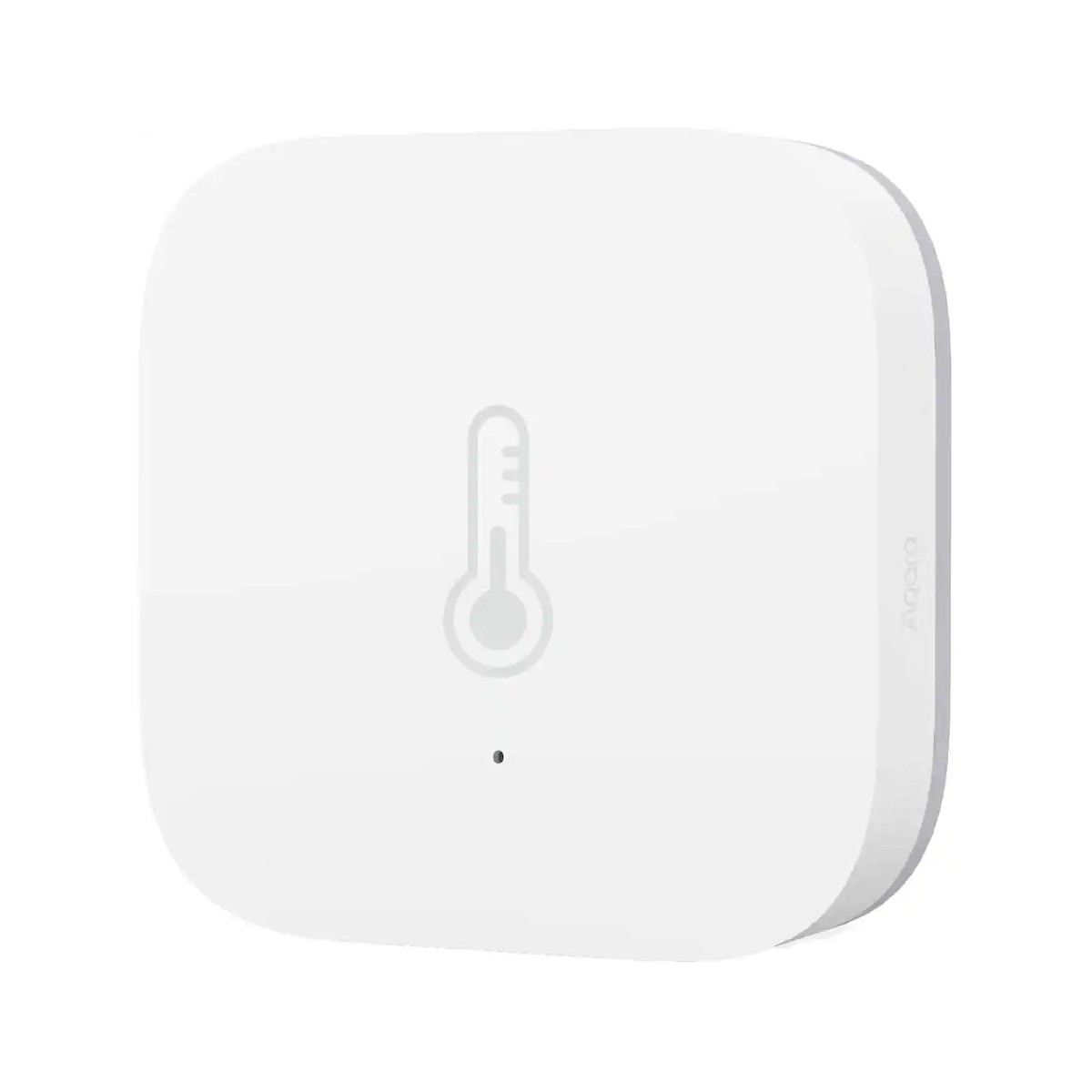
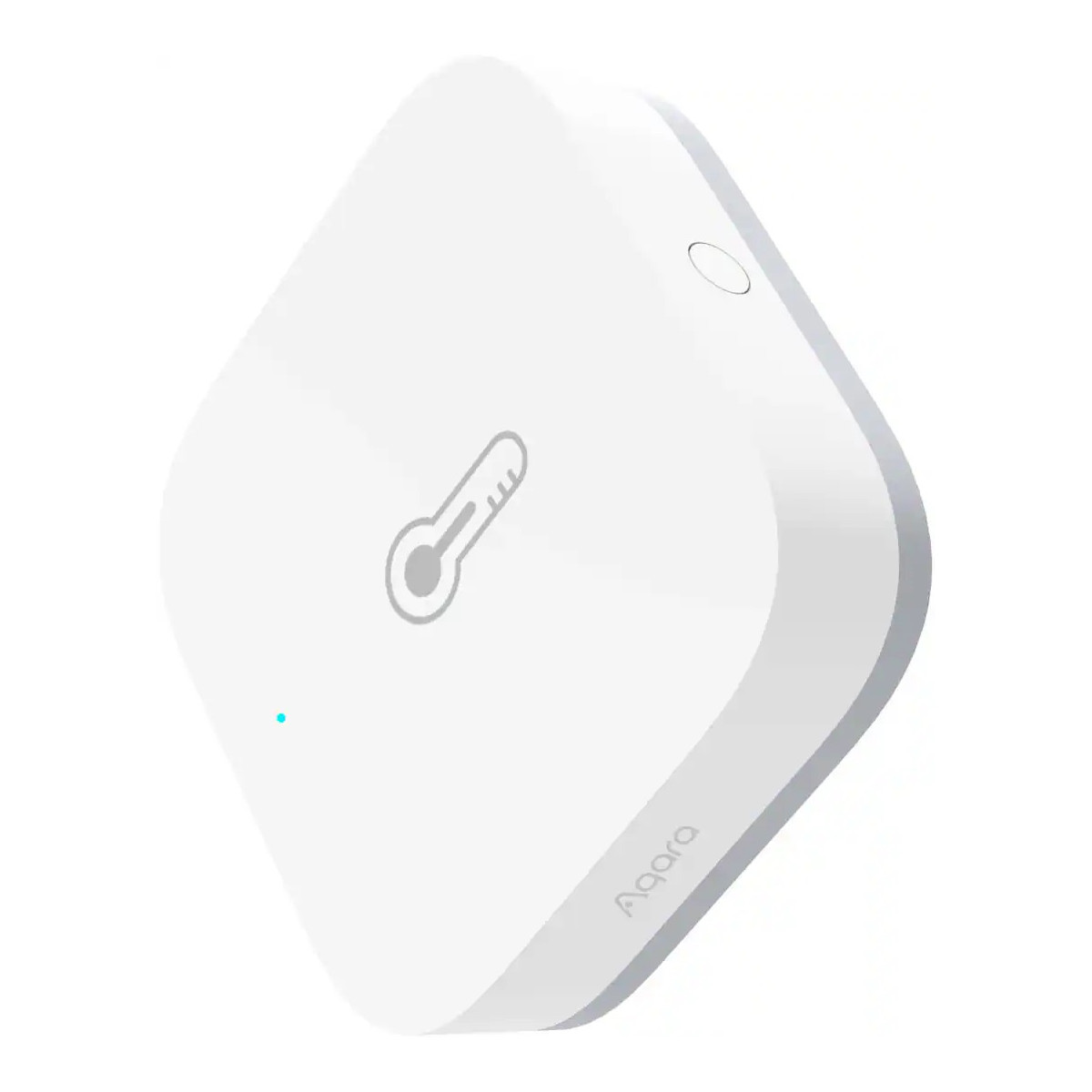
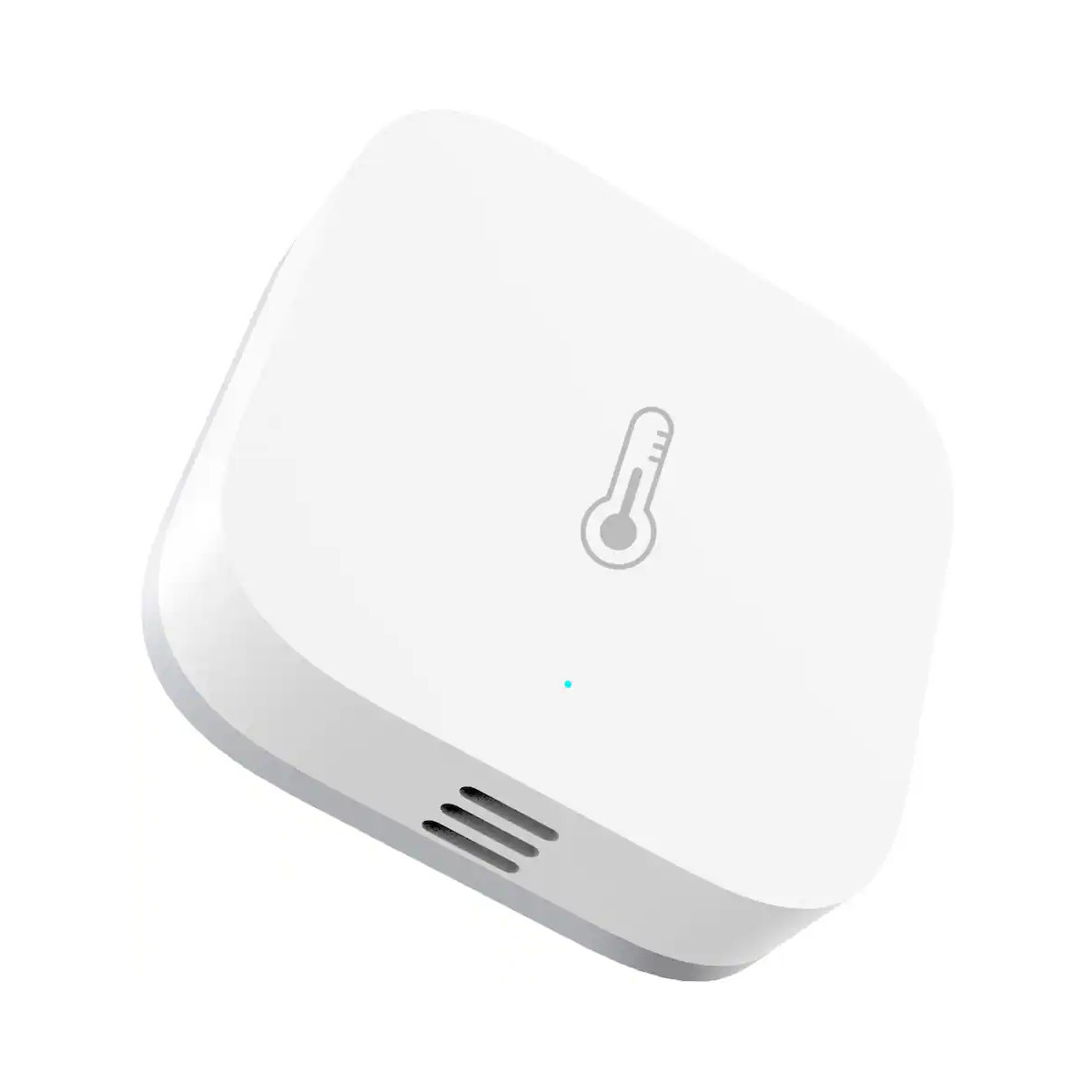

Aqara Temperature and Humidity Sensor T1
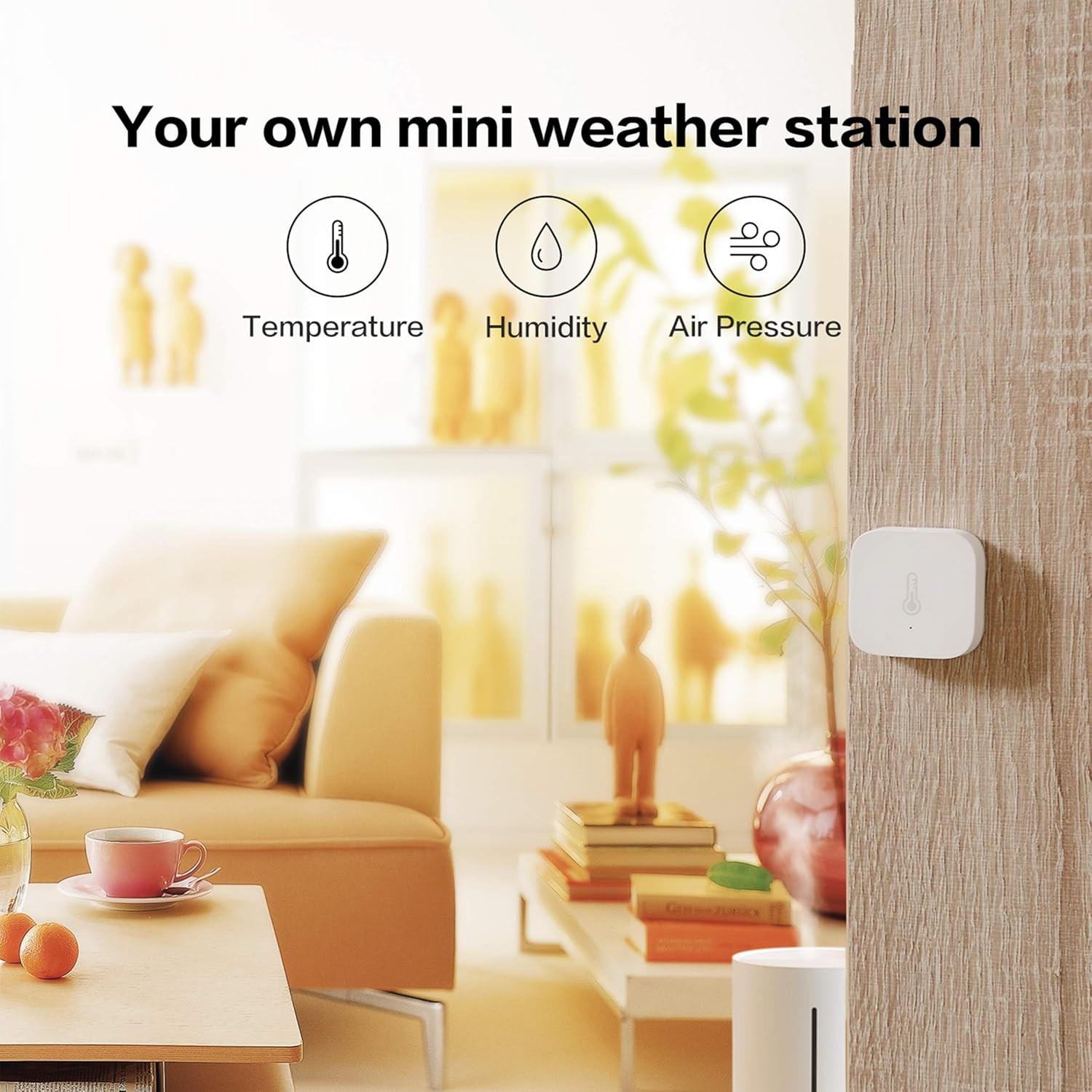
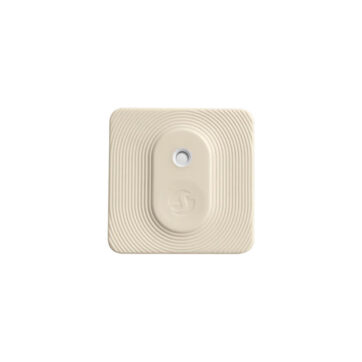
The Aqara Temperature and Humidity Sensor T1 continuously monitors and records indoor temperature, humidity, and atmospheric pressure in real time. Offering current and historical data reading, and it can be paired with other smart devices to automate your home.
Key Features
Zigbee 3.0 Certified
The T1 temperature is Zigbee 3.0 certified, offering a more reliable connection than the original model.
3-in-1 Environmental Monitoring
One compact sensor measures temperature, humidity, and atmospheric pressure, ensuring you stay informed about your living conditions.
Real-Time Notifications
Set your own thresholds and get notified when conditions rise above or fall below your preferred range.
Accurate Readings
Powered by an industrial-grade Sensirion sensor, the T1 delivers humidity readings with an accuracy of ±3% and a temperature accuracy of ±0.54°F (within a range of -4°F to 122°F).
Data Logging
Data is tracked in real time and recorded in the cloud so that you will be able to check the historical values without paying a subscription.
Create Scenes
Pair with other smart devices to create custom scenes. For example, you can have a switch turn on your bathroom’s exhaust fan humidity levels rise during a shower.
Long Lasting Battery Life
Powered by a CR2032 battery and built with ultra-low power consumption in mind, the T1’s battery can last up to two years.
Sam Luke (verified owner) –
Paired one of these with a smart plug to automatically turn on a dumb humidifier in a bedroom. Worked great over Zigbee with a Conbee 2.
Cameron Stevenson –
Using this with a Conbee2, and it works great. Simple and easy to use.
bluevulpine (verified owner) –
Won’t stay connected to mesh. Has to be re-paired a few times a week. Seems to be a common issue: https://www.zigbee2mqtt.io/devices/WSDCGQ11LM.html#xiaomi-wsdcgq11lm
Jordan (verified owner) –
Stripped out the plastic on the back and wouldn’t open to replace the battery. Cloudfree was good on getting the replacement but it has the same problem. Even used a quarter. Had to use a flathead and a hammer to get it to rotate.
Very soft plastic. Not sure how this is supposed to be opened.
Paired with home assistant immediately tho.
Kenny Stier –
We understand your frustration. Unfortunately, it can be difficult to open the back of these sensors. We recommend using rubber or adhesive and apply pressure to hold the battery door still, then twist the device to open the battery door. The video below explains it well.
https://www.youtube.com/watch?v=0x7Q6kFnYxI
Garrett –
Have about 15 of these deployed around my home, all connected to a Conbee II gateway. Never had any issues with the connection. Batteries last less than a year but are easy to change.