
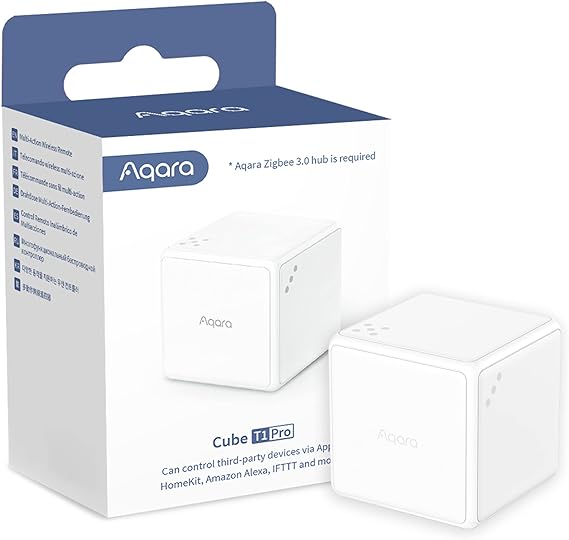
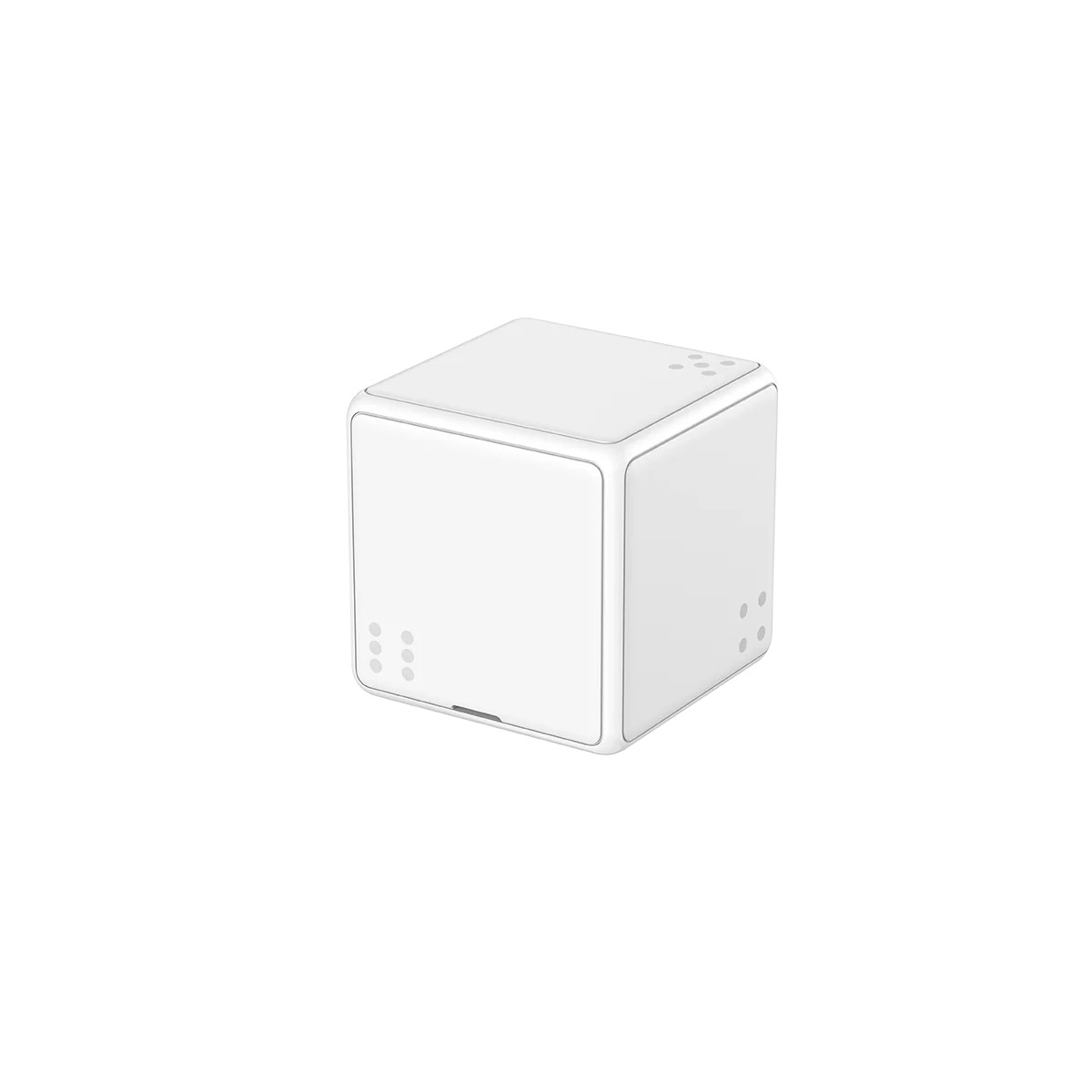
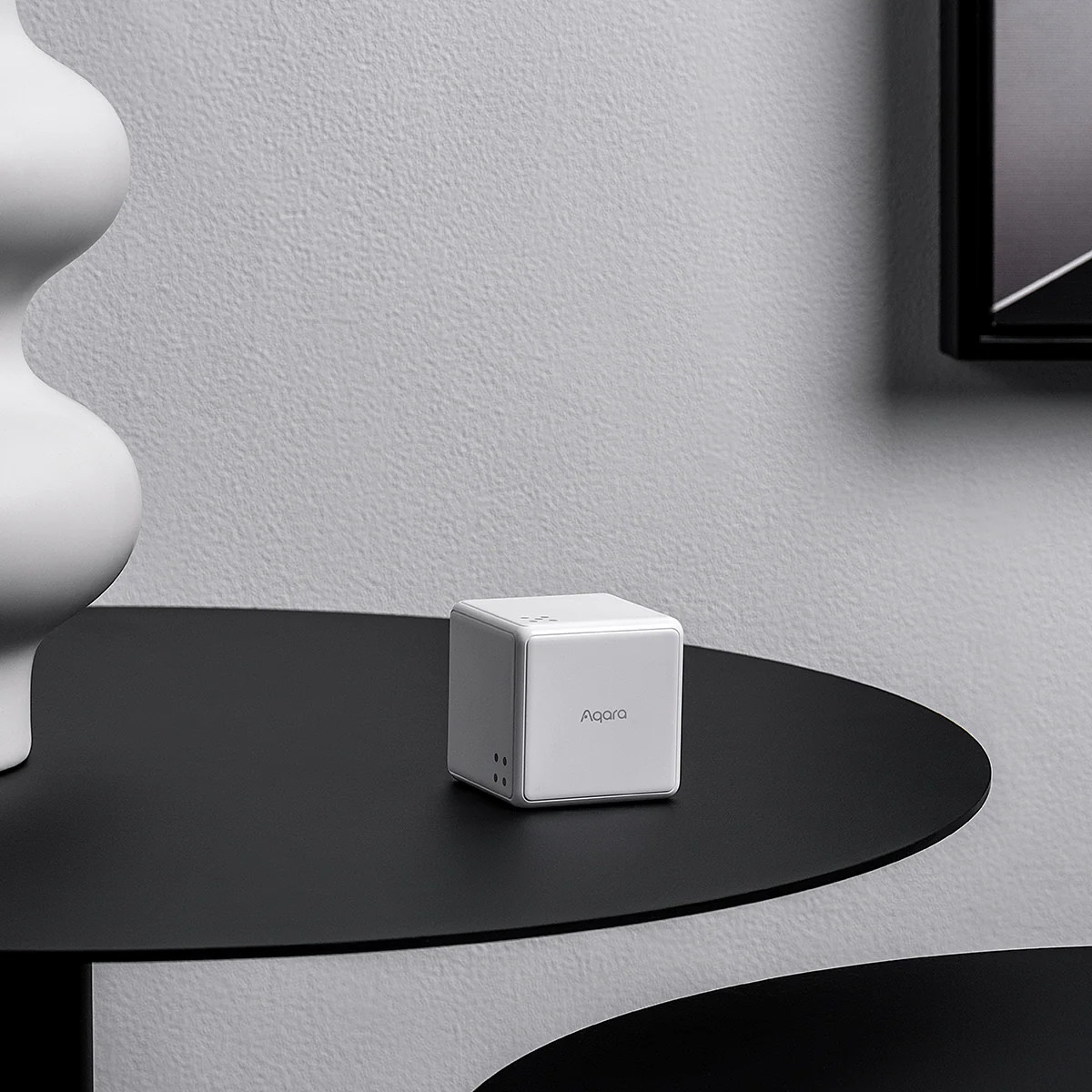
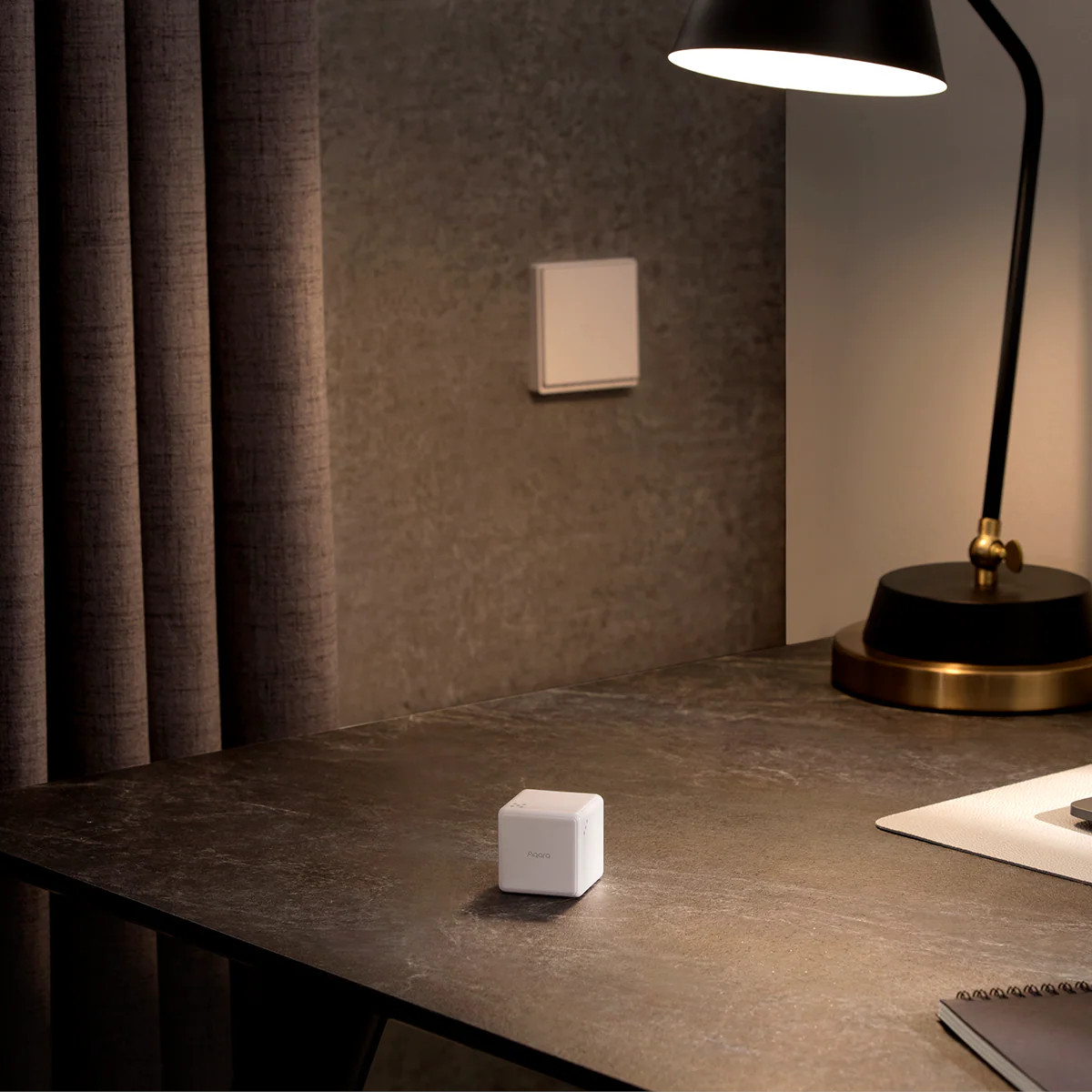
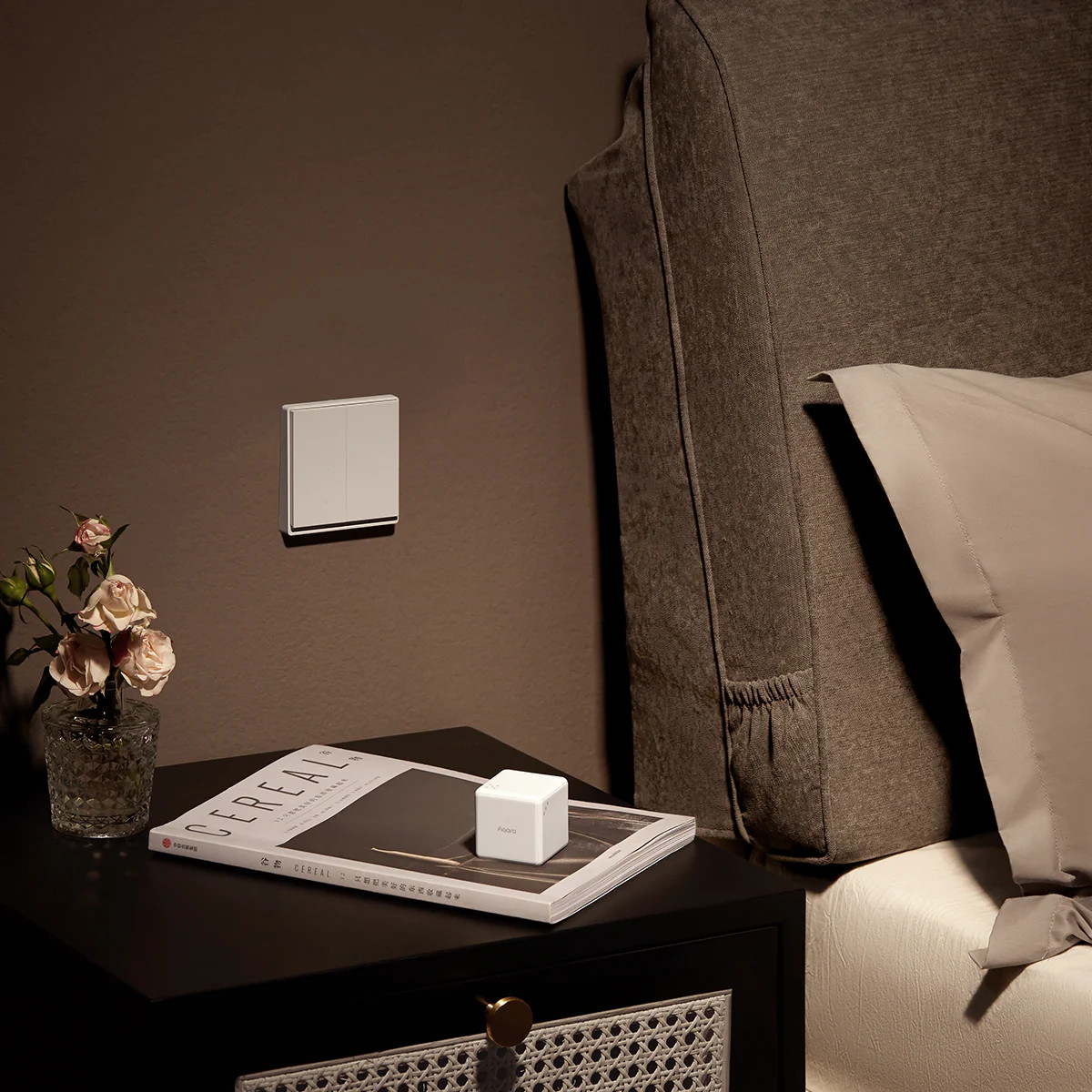

Aqara Cube T1 Pro
The Aqara Cube T1 Pro allows you to control your smart home with the roll of a die. Control scenes and devices through a series of intuitive gestures, making home automation feel effortless and fun.
Key Features
Scene Mode
Use each of the cube’s six sides, marked with dice-like indicators, to trigger a different scene or device. Layer on additional actions like rotating, shaking, and holding to unlock even more possibilities for your smart home.
Action Mode
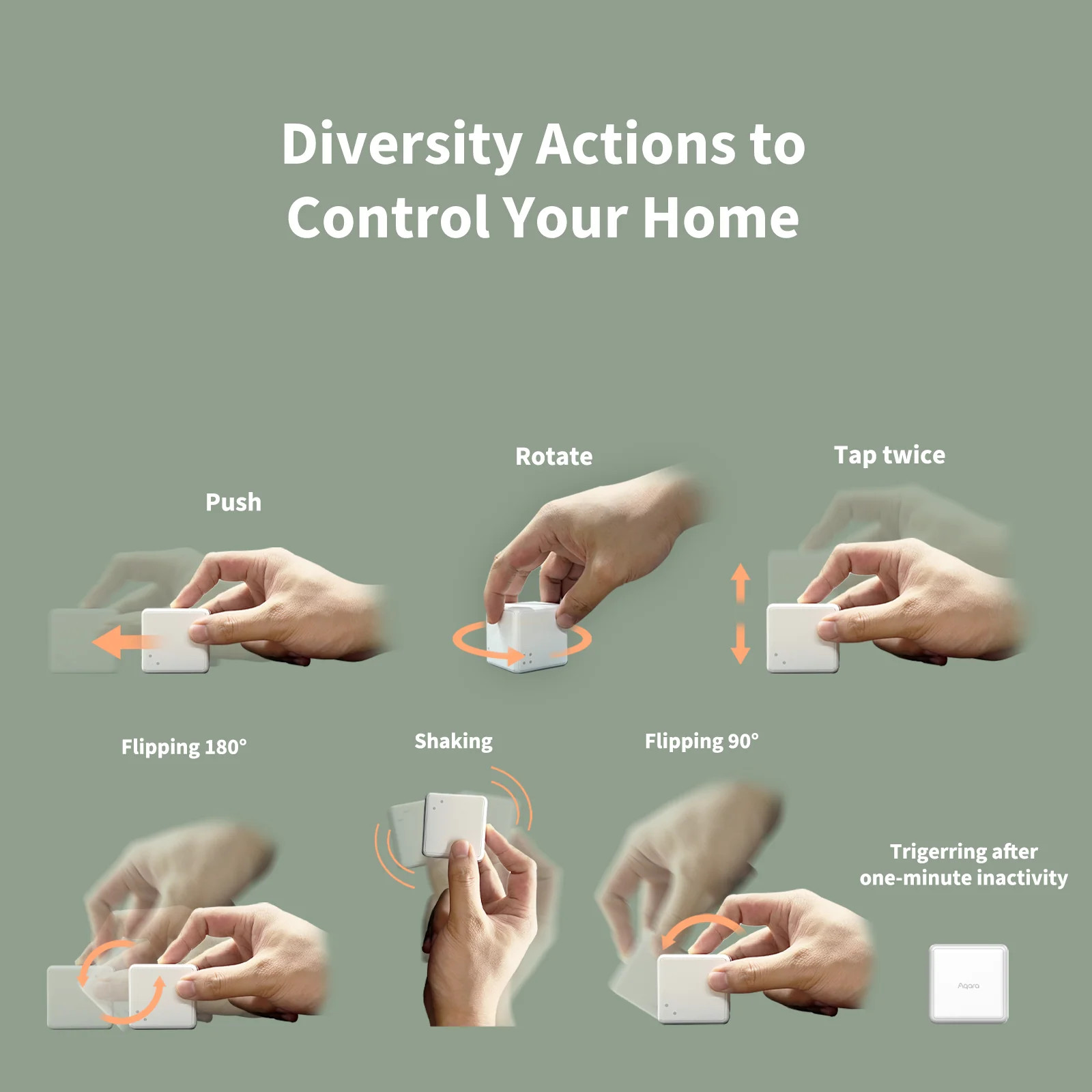
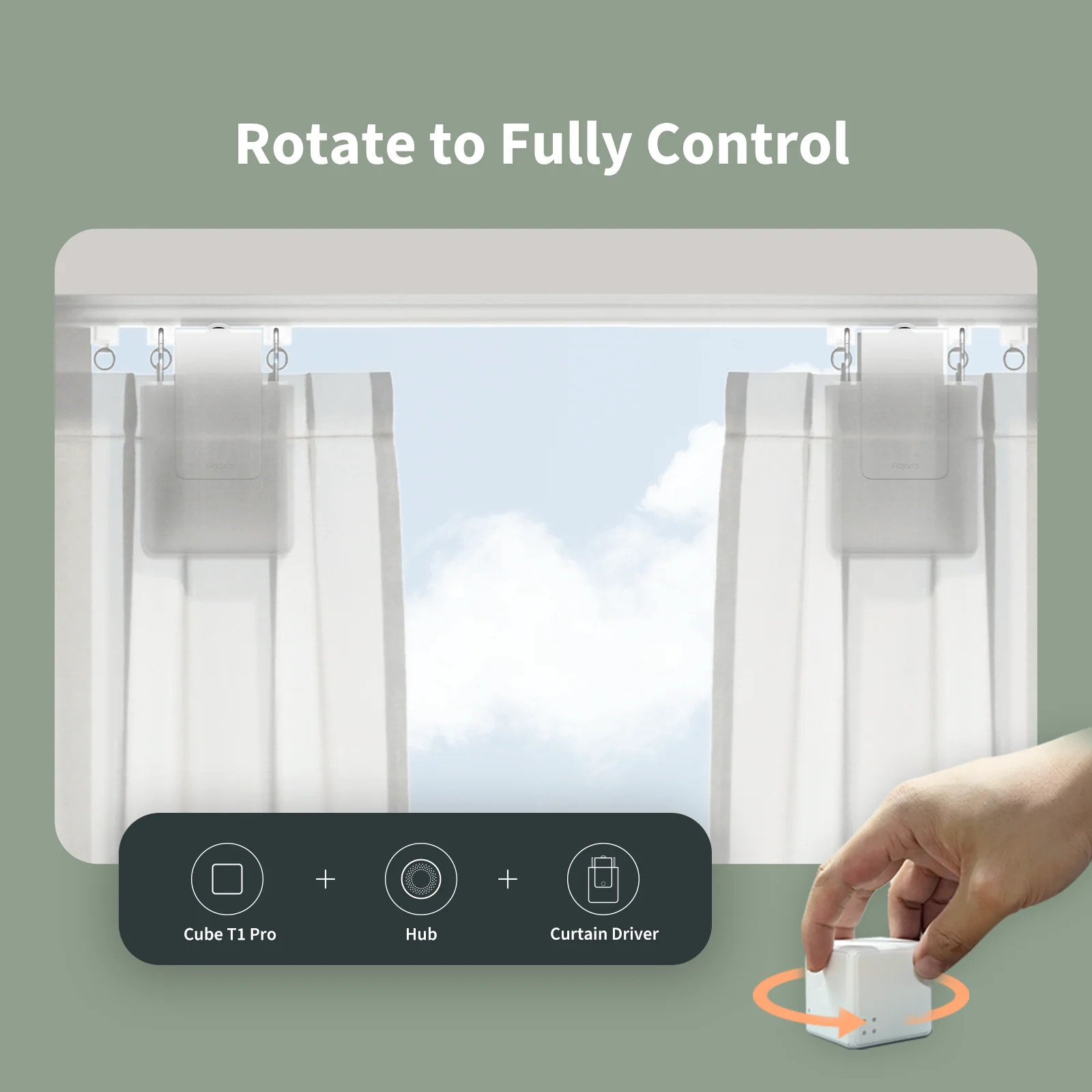
Switch to Action Mode for an expanded gesture set. Push, shake, rotate, double-tap, flip 90°, or flip 180° each can be programmed to trigger a different automation in your smart home.
OTA Updates
The Cube supports over-the-air updates, which means that new features and fixes can be added after purchase.
Long Lasting Battery Life
This device’s ultra-low energy consumption means the battery can last up to two years.
Note
- Action Mode cannot be used with Scene Mode simultaneously.
bustling_grocery (verified owner) –
Fun little sensor with a number of actions supported natively in Home Assistant, including:
Rotated “Right” (clockwise)
Rotated “Left” (counterclockwise)
Shaken
Dropped
Slid
Slid (entry for each of the 6 faces active)
Knocked (tapped on a surface)
Knocked (entry for each of the 6 faces active)
Flipped
Flipped (entry for each of the 6 faces active)
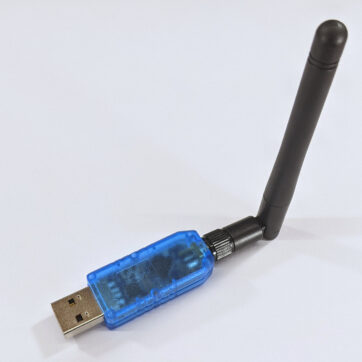
I’m not using half the functionality of the cube and to me it’s already worth the cost. Currently it’s connected to Home Assistant via a “GoControl CECOMINOD016164 HUSBZB-1 USB Hub” from Amazon, haven’t had any issues so far.
Marcel (verified owner) –
My only problem is what to make all the actions do. I set it up with the sonoff zigbee stick https://cloudfree.shop/product/sonoff-zigbee-3-0-dongle/ and the zigbee home automation home assistant integration. I had to press the reset button after zha was already searching for new devices.